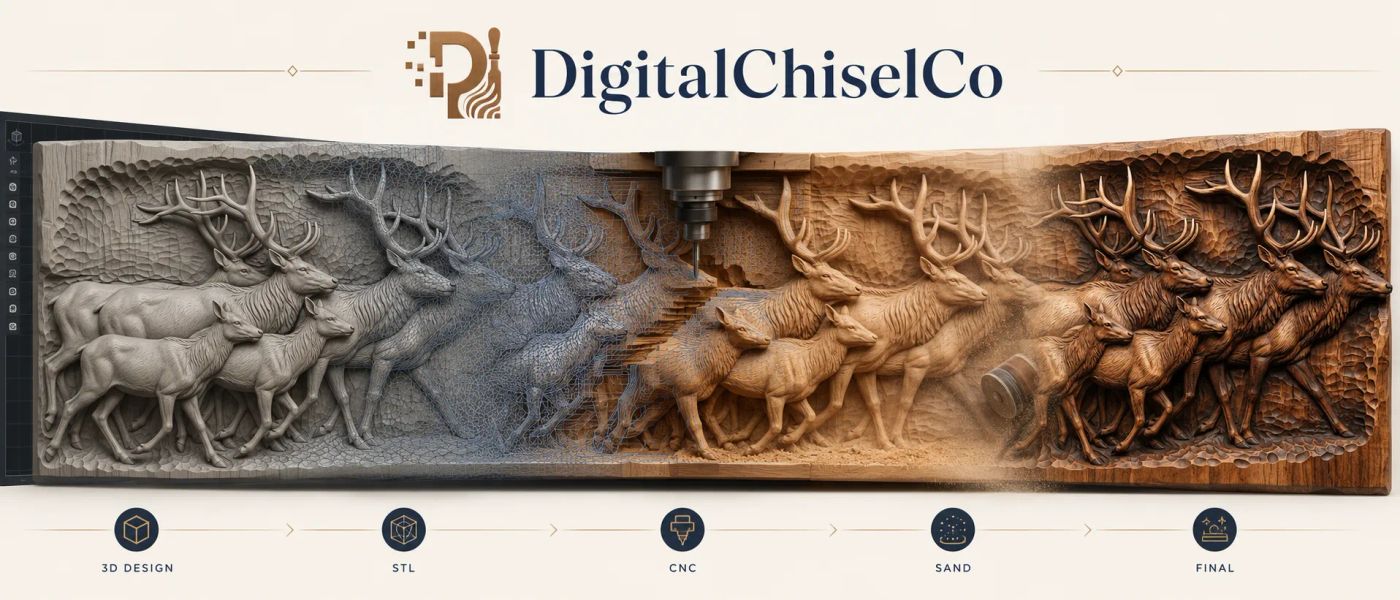
Which CAM software should you buy to carve bas-relief STL files? The internet will tell you "Aspire is the standard." That is true, and for most people it is also about two thousand dollars more than they need to spend. This is the working maker's version, written by a studio whose files run in every package below every week, with the 2026 prices, the catches nobody prints on the box, and three plain recommendations at the end.
Two additions since the last time we wrote this. Easel and Carbide Create both import STL files now, on their paid tiers, and people keep asking whether that is enough. It is covered honestly below.

In this comparison
- The short version
- VCarve vs Aspire, head to head
- What "good with STL files" actually means
- All eight, side by side
- Vectric Aspire
- Vectric VCarve Pro and VCarve Desktop
- Carveco Maker and Maker Plus
- Fusion 360
- Easel Pro and Carbide Create Pro
- Which one should you buy?
- Questions people ask
The short version
- Vectric VCarve Desktop, $349 one-time. The best value in this list for anyone with a machine under 24 by 24 inches who buys finished files. Imports one STL per job with the full 3D toolpath set.
- Vectric VCarve Pro, $699 one-time. Same toolpaths, no bed limit, nesting and production tools. The right buy for most makers with a bigger machine.
- Vectric Aspire, $1,995 one-time. Adds modelling: sculpting your own reliefs from photographs, combining components, texturing. Buy it if you make files, not just carve them.
- Carveco Maker, $17.50 a month; Maker Plus, about $40 a month on an annual plan. Aspire-class tools from the old ArtCAM team on subscription. Best for people who want the modelling without the two-thousand-dollar cheque.
- Fusion 360, free for personal use, $85 a month commercial. The strongest mesh engine here and the least natural relief workflow. Right if you already live in Fusion, or you are on a Mac.
- Easel Pro, about $18 a month, and Carbide Create Pro, $120 a year. They will carve a relief STL now. They will not let you rough, boundary, or ladder your cutters, so a big panel takes far longer than it needs to.
VCarve vs Aspire, head to head
This is the comparison most people are actually making, so it gets its own section. Both are Vectric products, both run the same toolpath engine, and both open the same file. The $1,300 between them buys exactly one thing: the ability to make and change reliefs, not just carve them.
| What matters | VCarve Pro ($699) | Aspire ($1,995) |
|---|---|---|
| Import a finished STL and carve it | Yes, one model per job | Yes, unlimited models per job |
| Roughing, finishing and rest-machining toolpaths | Identical | Identical |
| Scale, rotate, mirror, set depth, add a border | Yes | Yes |
| Combine two reliefs into one panel | No | Yes, with add, subtract, merge and fade |
| Sculpt, smooth or repair a relief by hand | No | Yes |
| Build a relief from a photograph or a 2D vector | No | Yes |
| Texture toolpaths and moulding toolpaths | Moulding yes, texture yes | Both, plus 3D textures on the model itself |
| Two-sided and rotary machining | Yes | Yes |
| Bed size limit | None | None |
| Upgrade path | Pay the difference to Aspire, any time | Top of the range |
So the honest test is one question: will you ever change the model itself? If you buy finished relief files and carve them as they come, VCarve Pro does everything Aspire does at the machine, and the $1,300 you keep buys a lot of cherry. If you want to put a customer's name into a scroll, drop a deer into a landscape, fix a scan, or build a plaque from three separate elements, that is Aspire's job and nothing else on this page does it as well.
Two catches. First, VCarve Pro allows one imported 3D model per job, so a panel built from two of our files has to be combined before import, or carved as two jobs. Second, Vectric sells the upgrade to Aspire for the difference in price, so starting with VCarve costs you nothing later if you outgrow it; the only money you cannot get back is a subscription to something else in the meantime. Everything we sell is tested in both, and the files are supplied at full depth so either package can scale them without losing detail (see the scaling guide).
What "good with STL files" actually means
Every package here will open a relief STL in 2026. The differences are in what you can do next, and they matter more than the import:
- A roughing pass with a flat cutter. Without one, a small ball nose does the whole job and a 400 mm panel takes days. Our carve-time guide shows why this single feature is worth more than any other on the list.
- A finishing pass you can confine to a boundary, so the fine cutter works the face and not the sky.
- Honest control of size and depth on import, with a "leave stock" allowance between passes. Scaling is where most bad carvings begin.
- A simulation that knows the size of your bit, so what you see is what the wood will show.
- A preview that does not crawl on a 150,000-triangle mesh.
The three Vectric products and both Carveco tiers do all five. Fusion does all five, differently. Easel and Carbide Create do the first one poorly or not at all, and that is the whole story of their place on this page.
All eight, side by side
| Package | 2026 price | STL import | Roughing pass | Boundary on finishing | Models reliefs | Catch |
|---|---|---|---|---|---|---|
| VCarve Desktop | $349 once | One model per job | Yes | Yes | No | 24 by 24 inch job limit |
| VCarve Pro | $699 once | One model per job | Yes | Yes | No | Cannot combine or sculpt models |
| Aspire | $1,995 once | Unlimited, combinable | Yes | Yes | Yes, best in class | The price, and Windows only |
| Carveco Maker | $17.50 a month | Yes | Yes | Yes | Limited | Subscription; modelling needs Plus |
| Carveco Maker Plus | $486 a year | Yes | Yes | Yes | Yes | Subscription; three years costs more than Aspire |
| Fusion 360 personal | Free | Yes | Adaptive clearing | Yes | No (mesh only) | Non-commercial, 10 active documents |
| Fusion 360 commercial | $85 a month or $680 a year | Yes | Adaptive clearing | Yes | No | Relief workflow is the long way round |
| Easel Pro | about $18 a month | Yes, simplified over 100 MB | No | No | No | One fixed strategy, browser-based |
| Carbide Create Pro | $120 a year | Yes | Limited | Limited | Basic | Aimed at Carbide 3D machines |
Prices are US list prices at the time of writing and change. Resellers bundled with machines often discount the Vectric products.
Vectric Aspire
$1,995 one-time. Windows. Free 30-day trial.
Aspire is where professional relief carvers end up, and the reason is not any one toolpath. It is that the path from "drop in an STL" to "post the G-code" is shorter than in anything else, the previews are honest, and the modelling side, building a relief from a photograph, combining several components into one scene, adding texture to a background, is the best in the industry.
Here is the thing to understand before you spend the money: for carving a finished file, Aspire's 3D toolpaths are identical to VCarve Pro's. Same roughing, same finishing, same boundary control, same simulation. The $1,300 difference buys the modelling tools and the ability to have more than one 3D model in a job. If you never intend to model your own reliefs, you are paying for a workshop you will not walk into.
Buy it if: you make files as well as carve them, or you routinely combine several reliefs into one composition.
Vectric VCarve Pro and VCarve Desktop
Pro: $699 one-time. Desktop: $349 one-time. Windows. Free 30-day trial.
VCarve is the package most makers should actually buy, and Desktop is the one most people overlook. Both import a single STL per job and give you the full 3D toolpath set: roughing with a flat cutter, finishing with a tapered ball nose, boundaries drawn from any vector, machining allowance between passes, and a simulation that knows your bit. That is everything in the "what good means" list above.
The difference between the two is the job size. Desktop is capped at 24 by 24 inches. If your machine's bed is that size or smaller, which covers most hobby routers, Desktop is the same experience for half the money. Pro removes the cap and adds nesting, job setup sheets and gadgets, which are production features you will know you need if you need them.
What neither can do is model. You cannot sculpt the relief, combine two STLs into one scene, or add a textured background. For a maker who buys finished files, that is not a limit; it is a saving.
Buy Desktop if: your bed is 24 by 24 or smaller and you carve files you bought. Buy Pro if: the bed is bigger, or you sell and want nesting.
Carveco Maker and Maker Plus
Maker: $17.50 a month. Maker Plus: $486 a year, about $40 a month. Windows. Free trial.
Carveco came out of the ArtCAM team after Autodesk discontinued it in 2018, and the heritage shows. The relief modelling at the Maker Plus tier is genuinely strong, with sculpting tools that feel closer to ZBrush than to a CAM package, and its toolpath engine has a knack for choosing efficient patterns on busy multi-subject reliefs. Makers who run both report Carveco shaving real time off a complex panel against a hand-tuned Vectric pass.
The trade is the subscription. At $17.50 a month, Maker imports, toolpaths and carves STLs perfectly well but does not model. Plus unlocks the modelling for about $40 a month on the annual plan. Three years of Plus costs more than Aspire, but you are always current, and you never write a large cheque.
Buy it if: you want Aspire-class modelling without the up-front cost, or you prefer "always current" to "buy once".
Fusion 360
Free for personal use. $85 a month or $680 a year commercial. Windows and Mac.
Fusion has the strongest mesh engine in this list: it opens million-triangle files without complaint, its Adaptive Clearing roughing is the most efficient stock removal available anywhere, and it is the only package here with a native Mac version.
The catch is that relief carving is not what Fusion is for. An STL arrives as an arbitrary mesh body in a mechanical project. There is no "model height" field, no relief allowance, no sense that this is a panel for a router; you set stock, boundaries and passes yourself. It works, and once set up it works well, but every step is the long way round compared with a package that understands reliefs out of the box.
The personal licence is free but not open: it is for people earning under $1,000 a year from their work and excludes commercial use even below that; you get ten active documents at a time and 3-axis milling, which is all a relief needs.
Use it if: you already use Fusion for other work, you are on a Mac, or free matters more than workflow.
Easel Pro and Carbide Create Pro
Easel Pro: about $18 a month. Carbide Create Pro: $120 a year.
Both import an STL now, which they did not a few years ago, and both will carve a relief. What they lack is the part that makes relief carving practical: Easel runs one fixed 3D strategy with no separate roughing pass, no boundary and no cutter ladder; Carbide Create Pro is better but still limited, and built around Carbide 3D's own machines. A 400 mm panel that runs in four hours with a roughing pass and a boundary can run for two days in Easel.
If one of these is what your machine came with, carve the small projects in our beginner list with it and see how you get on. The day you set up an overnight carve is the day to spend $349 on VCarve Desktop.
Which one should you buy?
Three honest answers, depending on what you actually do:
- You buy finished relief files and carve them. VCarve Desktop if your bed is 24 by 24 or smaller, VCarve Pro if it is bigger. The money you do not spend on Aspire buys a lot of walnut.
- You model your own reliefs, from photographs or sculpts. Aspire if you want to pay once; Carveco Maker Plus if a subscription suits your cash flow.
- You already use Fusion, or you are on a Mac. Stay in Fusion. The relief workflow is inelegant but a second CAM package is rarely worth learning.
Whichever you choose, the file matters more than the software. Every design in the catalogue is opened and toolpathed in a real CAM before it goes on the site, and if one of ours will not post clean toolpaths in your package, send it over with the software and the size and you will get a working version back. The Bald Eagle Mountain Scene Bas-Relief STL with Soaring Eagle is a good first test of any package: sky, mountains, trees and a bird at four depths, and a face that needs a boundary.
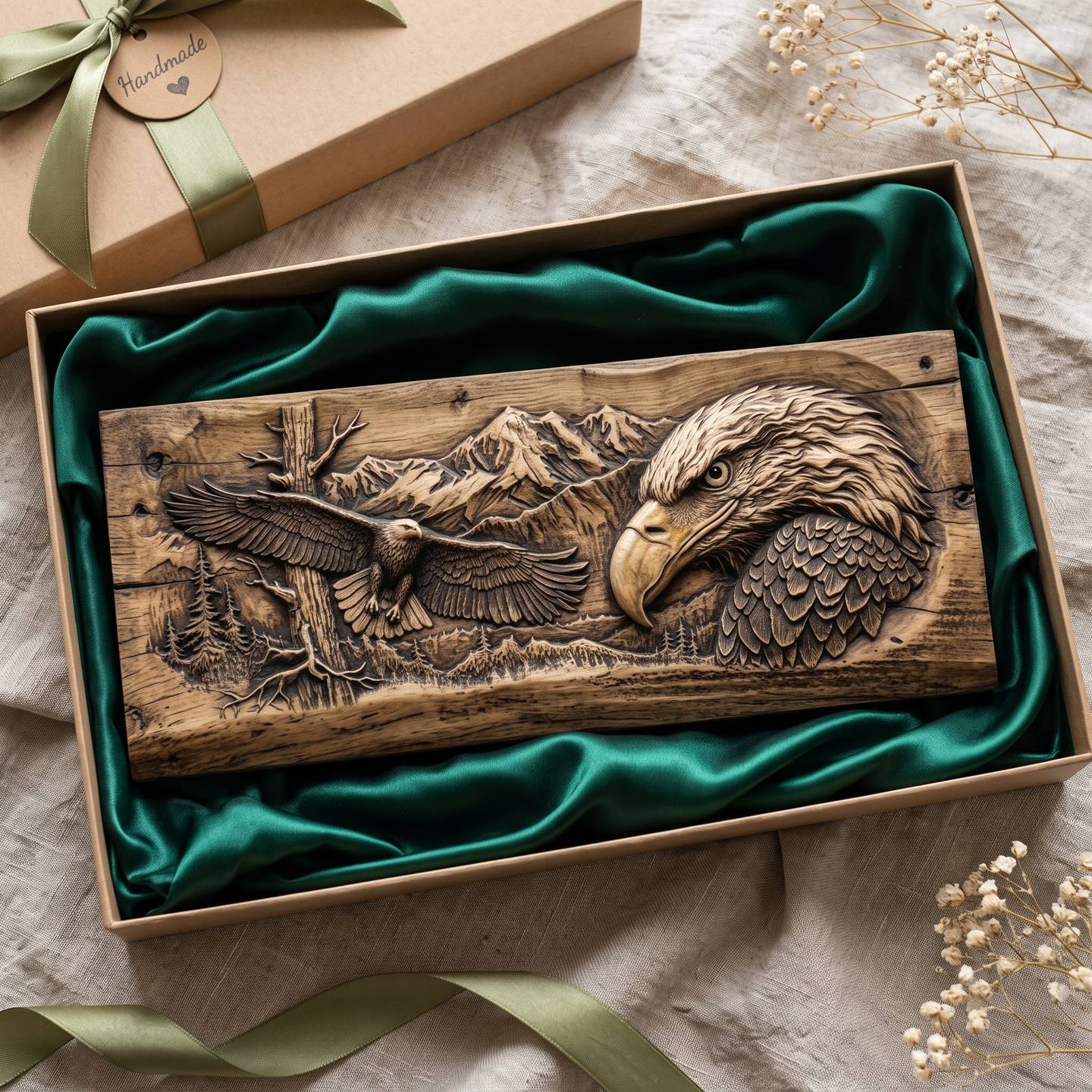
Download the eagle mountain scene · $10.39
Questions people ask
What is the best software for carving STL files on a CNC router?
For carving finished files, VCarve (Desktop or Pro). For making your own reliefs as well, Aspire or Carveco Maker Plus. Fusion 360 if you already use it.
Is Aspire worth it over VCarve Pro?
Only if you model your own reliefs or combine several into one scene. For carving a bought file the 3D toolpaths are identical.
What is the difference between VCarve Desktop and Pro?
Desktop is limited to 24 by 24 inch jobs; Pro is unlimited and adds nesting and production tools. The 3D toolpaths are the same.
Can Easel carve STL files?
Easel Pro imports and carves them with one fixed strategy. It has no roughing pass or boundary, so large panels take much longer than in a full CAM package.
Is Fusion 360 free for CNC carving?
The personal licence is free for non-commercial use under $1,000 a year of revenue, with ten active documents and 3-axis milling, which covers relief carving.
Which CAM software works on a Mac?
Fusion 360 natively. Vectric and Carveco are Windows only, though Vectric runs well under Parallels.
Buy the package that matches what you do, not the one the forum swears by. For most people reading this, that is VCarve Desktop, and the difference goes into wood, a proper set of tapered cutters, and the finishing supplies that decide how the carving looks on the wall.
Jolly, DigitalChiselCo