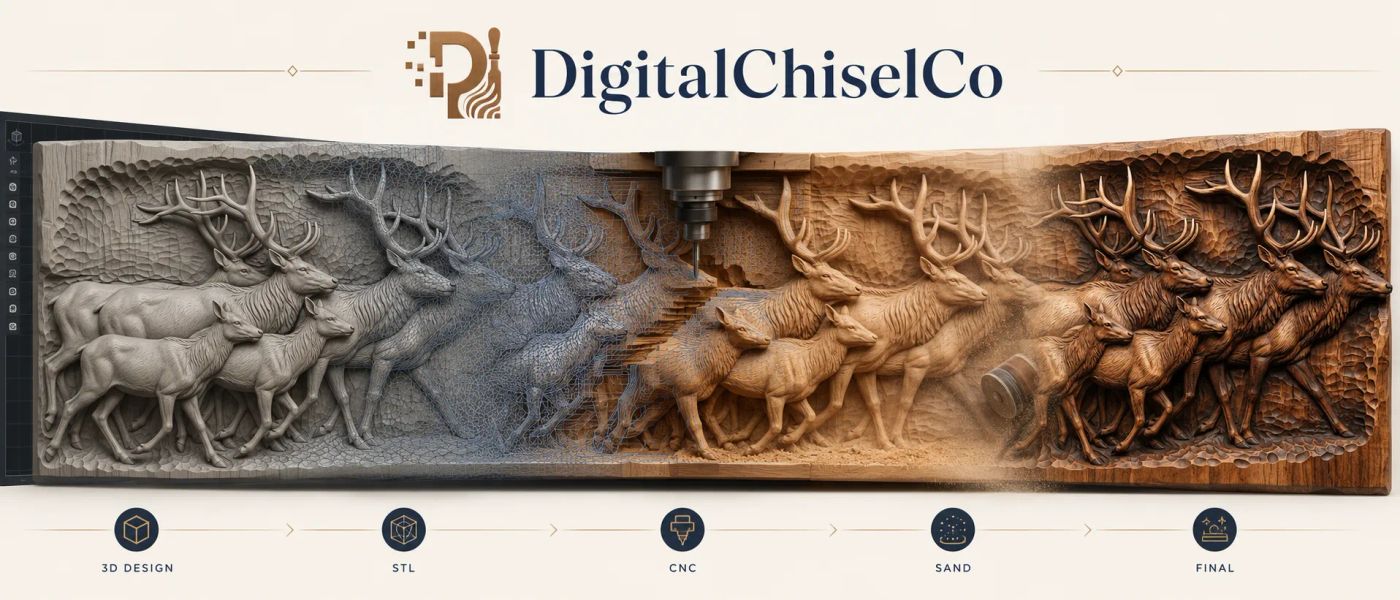
Most of the custom relief requests that reach us start the same way: a photo taken on a phone, in a kitchen, of a dog who would not sit still. Some of those photos become beautiful carvings. Some cannot, and no amount of modelling skill will change that, because the decision was made when the shutter clicked.
This guide is the one we wish every customer had read before sending a picture. It explains what actually happens to a photo on the way to an STL, the five things that make a portrait or a pet photo carve cleanly, the four that ruin one before you start, and how to take a usable photo in ten minutes with a window and a plain wall. It applies whether the relief ends up on a CNC router, a laser, or printed flat on an FDM machine.
What a photo becomes, and what it does not
A bas-relief is a shallow sculpture. A face in a relief might be four millimetres proud of the background, yet it reads as a whole head because the eye is very good at inferring shape from small changes in depth and from the shadows those changes cast.
Converting a photo means deciding, for every point in the picture, how far forward it should sit. There are two ways to get that information, and it matters which one your photo allows.
Depth from tone. The quick method treats brightness as height: light areas come forward, dark areas go back. It is fast and it is how most one-click "photo to relief" tools work. It is also why they so often produce a face with a crater for a nostril and a bump where the shadow under the chin was. Brightness is not depth. A dark eyebrow is not a hole.
Depth that is modelled. The method we use starts from the photo but builds the form the way a sculptor would: the bridge of the nose comes forward because it is a nose, the far cheek recedes because it is turned away, the ear sits behind the jaw. The photo supplies proportion, likeness and surface detail; the depth is put in on purpose. This is slower and it is why a good photo-to-relief costs more than a button press. It is also the only way a face comes out looking like the person.
Either way, the photo is the whole source of truth. Whatever it lacks, the relief lacks.
The five things that make a photo carve well
1. One subject, filling the frame
A relief has a fixed amount of depth to spend, four to eight millimetres on a typical panel. Spend it on one face and there is enough to make it read. Spend it across three people, a fence and a hillside and every one of them goes flat. Crop tight. If the request is a dog, the photo should be mostly dog. Two subjects can work when they touch, a mother and child, two dogs leaning together, because the carving treats them as one shape.
2. Light from one side, and soft
This is the one that decides most requests. Light from one side, roughly forty five degrees off the camera, puts a gentle gradient across the face: brighter cheek, softer shadow on the far side, a shadow line under the nose. Those gradients are exactly the information a sculptor reads to place the form. Soft light means the shadows have edges you can see into, not black pits. The best source in most homes is a window with no direct sun, subject facing it at an angle, camera between.
3. The eyes sharp and open
Everything about a portrait relief is judged at the eyes. They need to be in focus, open, and not squinting into sun. Sunglasses cannot be carved into a likeness of anyone. If the photo is of a pet, the same rule holds: focus on the eyes, and a slightly lowered camera, at the animal's own eye level, produces a far more dignified carving than one taken looking down at it.
4. Enough pixels where it counts
Resolution matters less than people fear and more than they act on. A modern phone photo is plenty. What is not plenty is a face that occupies two hundred pixels of a group shot, or a picture that went through a messaging app three times and came out at 640 pixels wide with compression blocks in the shadows. Send the original file, not the thumbnail, and not a screenshot of it.
5. A plain, contrasting background
Not because the background gets carved, it usually does not, but because the edge of the subject has to be found. A dark dog against a dark sofa has no edge. A plain wall, a sheet, or open sky behind the head makes the outline unambiguous and the relief's silhouette clean.
The four things that ruin one before you start
Flash straight at the face
Front flash flattens everything. The gradients that carry the form are gone, the eyes go red or glassy, and the tool that reads depth from tone sees an even, shapeless disc. This is the single most common reason a photo cannot be used. If there is a flash icon on the picture, take another.
Hard midday sun
The opposite failure: shadows so black that the eye sockets and the underside of the nose become holes with no information in them. Move into open shade or wait an hour.
A wide-angle phone lens up close
Held close to a face, a phone's main camera stretches the nose and shrinks the ears. A relief of that photo is a relief of the distortion, and the family will say it does not look like him without knowing why. Step back two or three metres and zoom in, or use the telephoto lens if the phone has one.
Motion, blur and heavy filters
A blurred edge cannot be carved sharp. A beauty filter that smoothed the skin removed exactly the surface texture a carving would have used. Send the unedited frame.
The ten minute photo that works
- Find a window without direct sun. Turn the room lights off so there is one light source.
- Put the subject about a metre from the window, turned so the light hits one side of the face, with a plain wall behind them.
- Stand back two to three metres. Zoom in until the head and shoulders fill the frame.
- Flash off. Tap the screen on the eyes to focus. Take ten frames, not one.
- For a pet, get down to its eye level, hold a treat just above the lens, and shoot in bursts.
- Send the largest original file. Do not crop, do not filter, do not screenshot.
That is the whole method. A photo taken this way carves well on any machine we have seen.
What carves well without a portrait
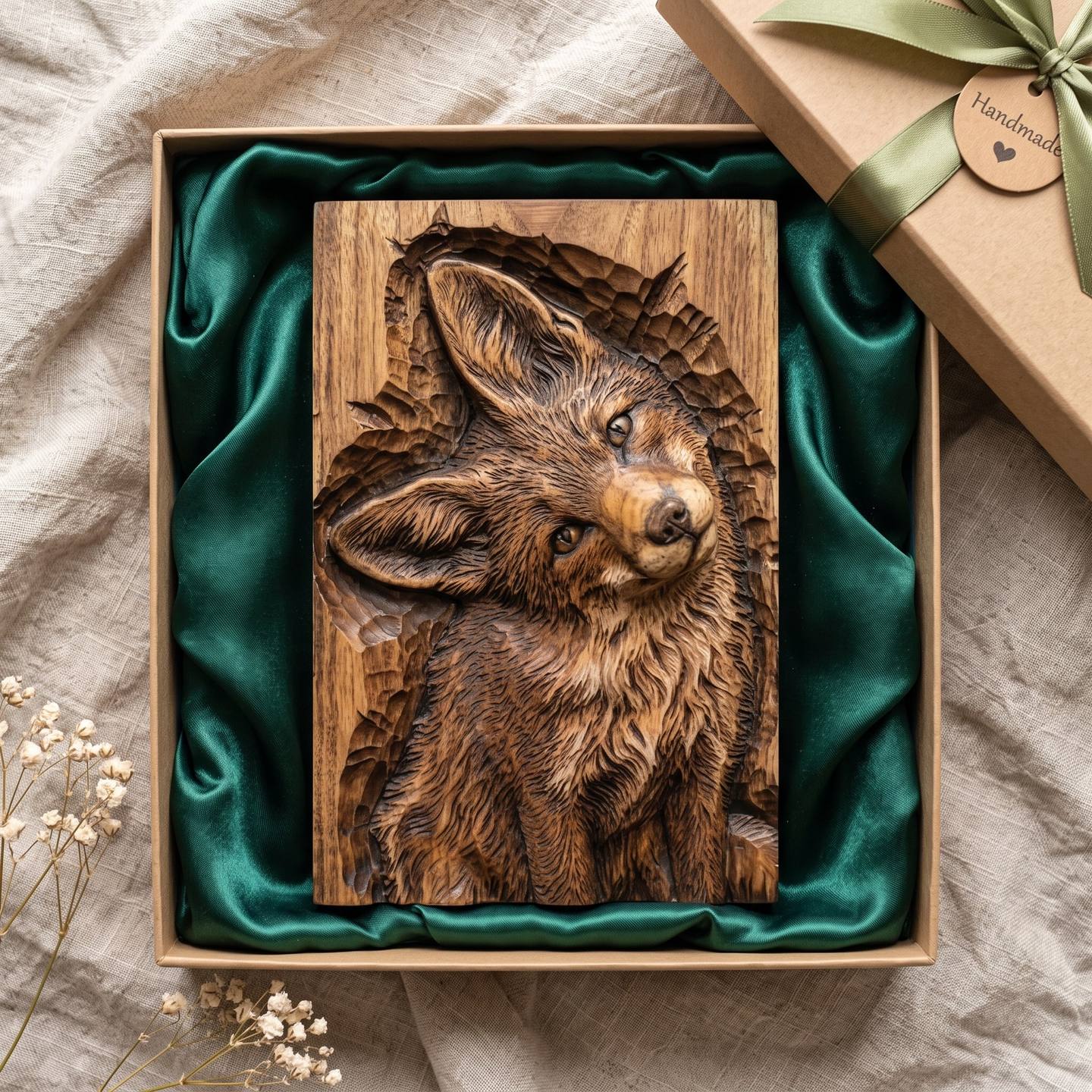
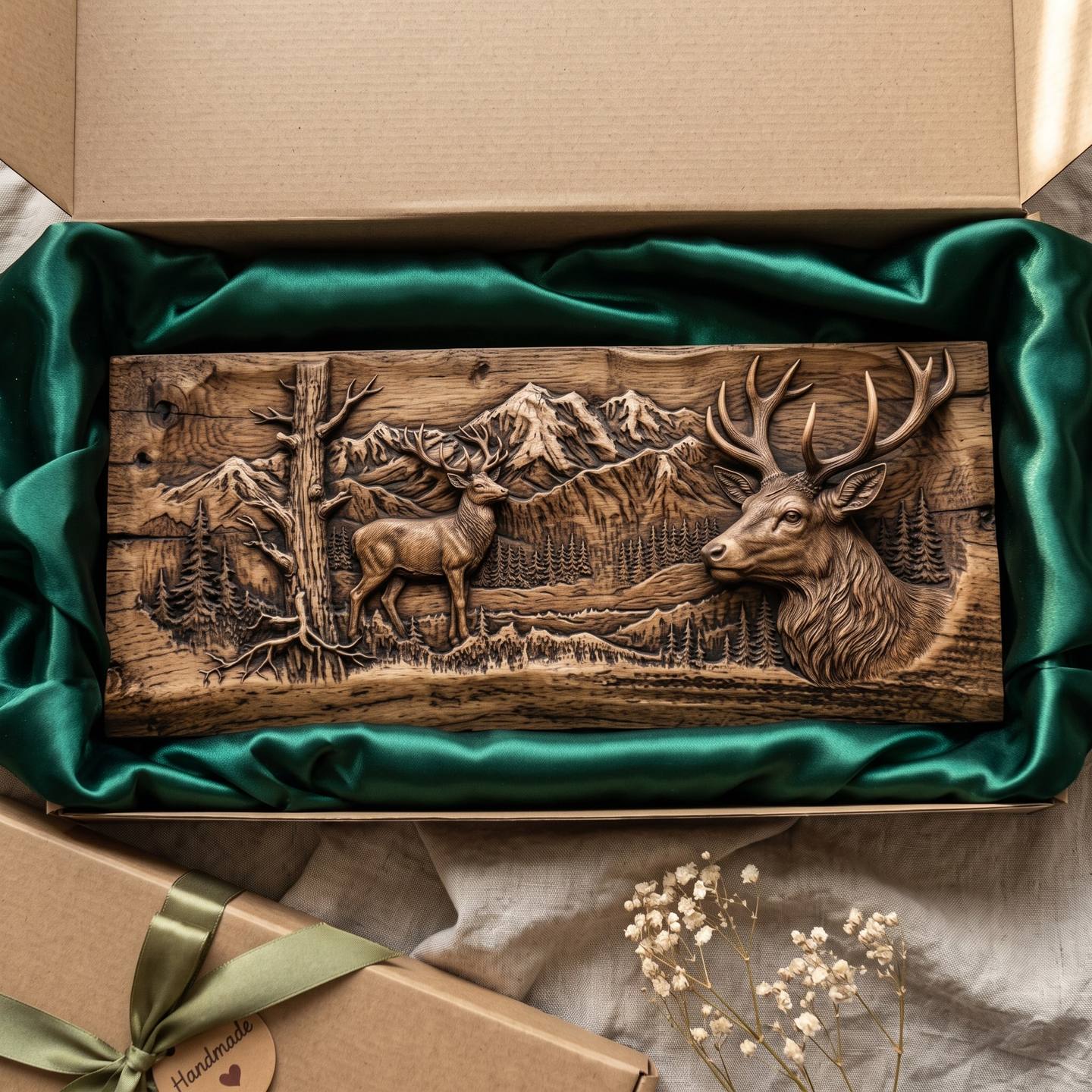
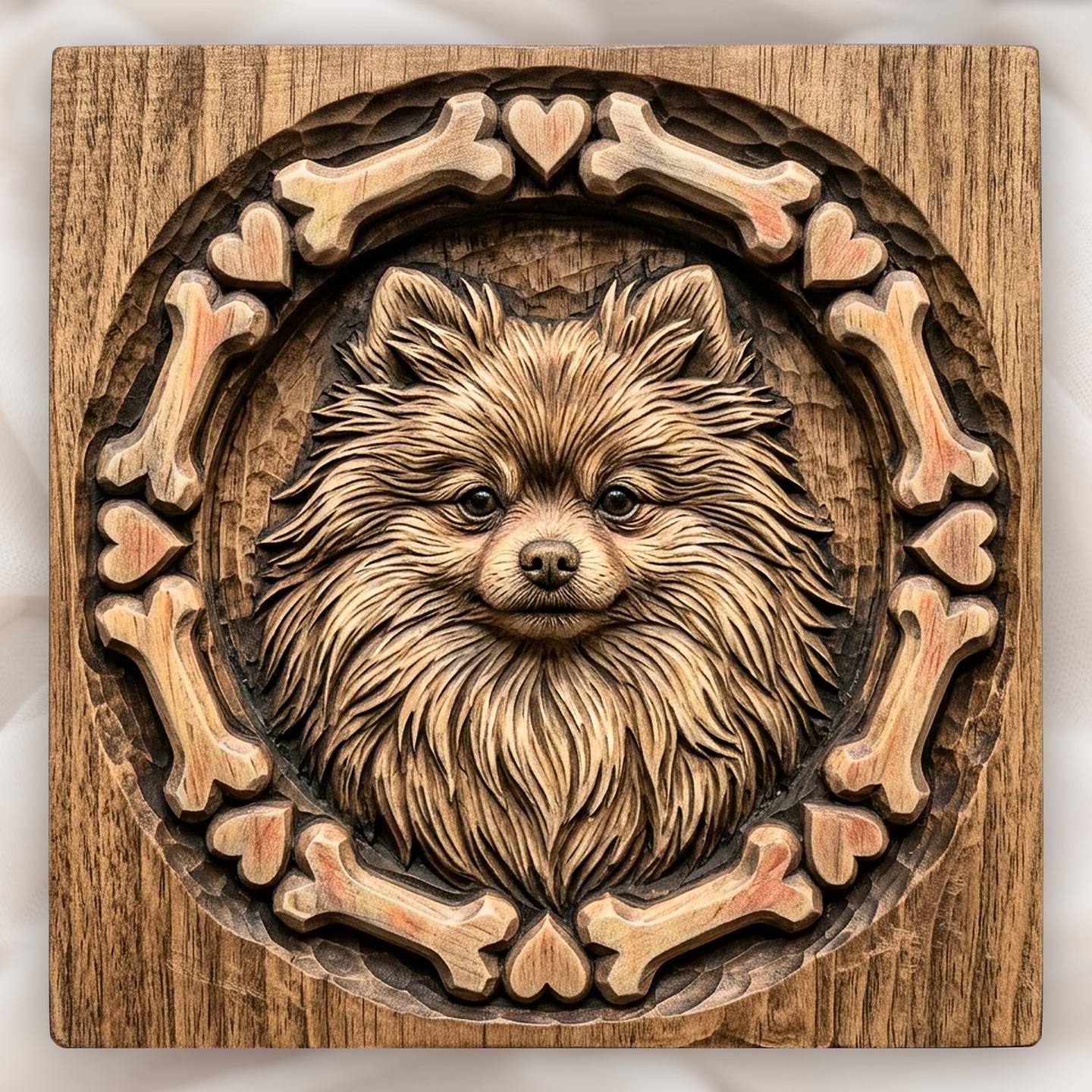
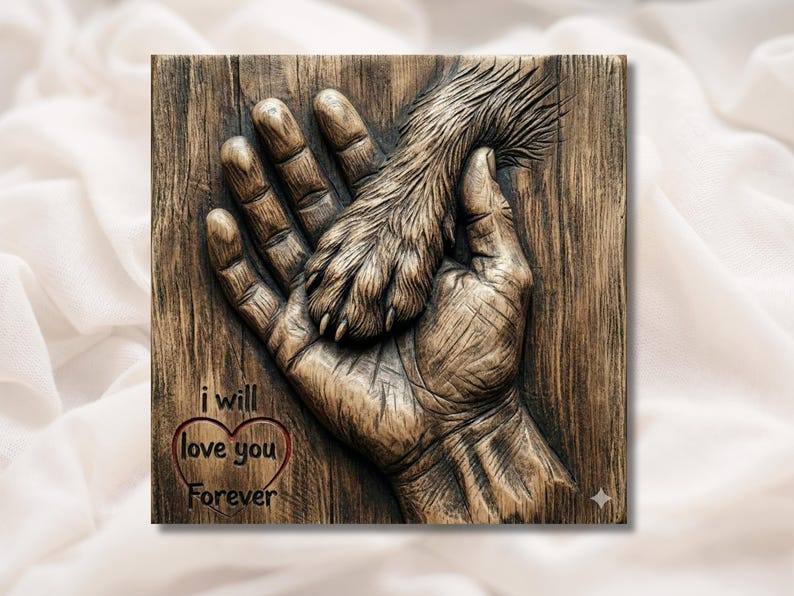
Not every relief needs a person. Some of the most satisfying photo-derived work is a subject with strong, simple form: a favourite dog in profile, a horse's head, a bird on a branch, a truck, a house. These forgive an imperfect photo because their depth can be modelled from general knowledge of the shape, and the photo only has to supply the particulars. The pieces below were all built the way a good custom request is built, from a clear reference, with the depth put in deliberately.
Router, laser, or printed flat: what changes
The photo rules do not change with the machine, but the depth budget does.
CNC router. The most forgiving. Four to eight millimetres of relief on a panel, finished with a ball nose, will carry a portrait comfortably. The fine surface detail from the photo, hair, fur, the texture of a jumper, survives when the wood is right; see which woods hold detail and which tear it out.
Laser. A laser engraves tone, not depth, so it is closer to printing the photo than carving it. It rewards the same good lighting, and it punishes a busy background even harder, because everything in the frame gets burned in.
3D printer, FDM. Print a relief flat on the bed, face up, at a fine layer height, and the depth budget is the same as a router's. What changes is that there is no grain and no sanding to rescue a rough area, so the source photo has to be cleaner, and the eyes in particular need to be crisp. The whole route from file to a print that passes for wood is in our printing guide.
When you want it done for you
If the photo passes the checks above, the conversion is the part we do every week. Send us the picture and a line about where it will hang, and you get back an original relief STL built from your photo, with the depth modelled rather than guessed, ready for whichever machine you own. It starts at $30, and the first thing we do with every request is tell you honestly whether the photo will carve, before any money changes hands.
Send a photo for a custom relief
And if you would rather see how the finished files behave first, the five free STL files are exactly the kind of relief a good photo turns into.